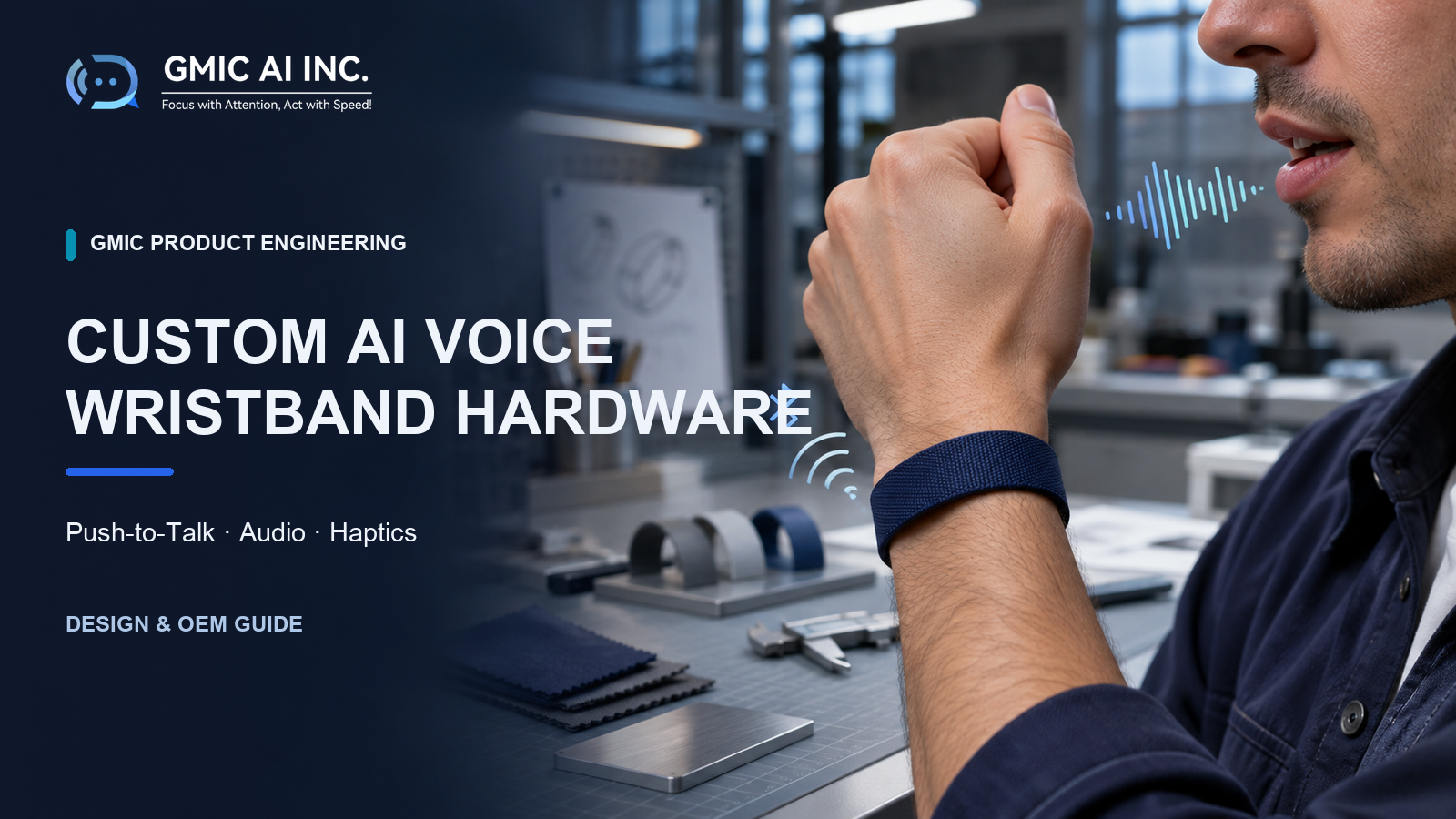
Custom AI voice wristband hardware can give field workers, clinicians and mobile teams a fast way to capture a voice note or trigger an AI workflow without reaching for a phone. The wrist provides more room for a battery, controls and haptic feedback than a ring, but it also places the microphone farther from the mouth and exposes the audio system to arm motion, clothing contact and surface impacts.
In brief: Choose a wristband when fast physical access, haptic confirmation and all-day wear matter. Decide first whether it will act as a push-to-talk controller, stream live audio or store recordings locally. Then validate the real speaking gesture, microphone orientation, motion noise, radio recovery and privacy feedback before freezing the enclosure.
What Is an AI Voice Wristband?
An AI voice wristband is a wrist-worn device that captures speech or initiates a voice workflow. Depending on its architecture, it may include one or more microphones, a physical button or touch surface, Bluetooth or Wi-Fi, local storage, a vibration motor, status indicators, sensors and a rechargeable battery.
The AI model does not have to run inside the band. In many practical products, the wristband handles activation, audio capture, buffering, encryption and transfer while a paired phone, edge gateway or cloud service performs speech recognition and AI inference. This division can reduce device-side compute and heat, but it makes the mobile protocol and recovery path part of the product architecture.
For comparison with rings, badges, pendants and card recorders, start with the wearable voice AI hardware guide.
Three Product Architectures
| Architecture | What the wristband does | Primary advantage | Main constraint |
|---|---|---|---|
| Control-only | Sends a button, touch or gesture event | Lowest audio and storage burden | Another device must capture speech |
| Live-audio | Captures and streams voice | Interactive agents and real-time commands | Radio duty cycle, latency and battery demand |
| Local recording | Stores audio and synchronizes later | Works when the phone is unavailable | Storage protection, file integrity and sync recovery |
Why Wrist Position Changes the Audio Problem
A microphone at the wrist is usually farther from the mouth than a lapel badge or pendant. Signal level changes as the user rotates the forearm, lowers the hand, turns the head or operates tools. The same device can produce very different speech quality at near-mouth, chest, waist and extended-arm positions.
A product specification should define the intended gesture:
- Raised-wrist push-to-talk: the user brings the wrist toward the mouth and holds a control.
- Quick voice note: the user raises the wrist briefly, starts capture and receives haptic confirmation.
- Hands-busy command: capture begins through a large accessible control, gesture or external trigger.
- Ambient conversation: the wrist remains in a natural position while the product records nearby speech.
A raised-wrist command may achieve a useful near-field signal with one well-placed microphone. Ambient conversation capture is more demanding because distance and orientation vary continuously. Additional microphones do not automatically solve that geometry; the enclosure, port direction, DSP and use position must be tested together.
Motion, Contact and Wind Noise
Wrist devices experience mechanical noise that a desk recorder does not. A sleeve can brush the microphone opening. A hand can strike a table or tool. A loose band can shift against the enclosure. Rapid arm movement can create wind across the port.
Prototype evaluation should include walking, stairs, long sleeves, gloves, typing, lifting, driving, tool operation, table contact, handwashing, accidental port blockage, indoor ventilation, outdoor wind and left- and right-wrist use. Mechanical isolation and port placement may matter as much as DSP. An algorithm cannot restore speech that was physically blocked or overwhelmed by a contact transient.
Push-to-Talk, Wake Word or Continuous Capture?
Push-to-talk is often the clearest wristband interaction because it combines deliberate activation with a natural raised-wrist gesture. The product can use a short vibration to confirm start, a second pattern to confirm stop and a distinct error pattern when storage or connectivity prevents completion.
A wake-word design adds continuous sensing and false-trigger considerations. Continuous recording adds a larger power, consent, disclosure and retention burden. Teams should describe the device states precisely: idle, listening for activation, actively capturing, buffering, transferring, completed, failed and privacy-paused.
Button, Touch and Haptic Design
A wristband may be used without visual attention, so the control must be discoverable by touch and resistant to accidental activation. A small flush button can look clean but become difficult to operate with gloves. Capacitive touch can reduce mechanical openings but may behave differently with water, sweat and protective clothing.
| State | Possible feedback | What to verify |
|---|---|---|
| Capture started | Short vibration | Feedback follows actual recording start |
| Capture stopped | Two short pulses | Pattern remains clear during activity |
| Saved or transferred | Longer confirmation | Signal reflects real completion |
| Error | Distinct repeated pattern | User has a clear recovery action |
| Low battery | Restrained periodic warning | No excessive drain or alarm fatigue |
Battery and Thermal Budget
A wristband can carry a larger battery than a ring, but “all-day” is not a specification. Battery life depends on the number and duration of captures, microphone and DSP load, radio transfer time, storage writes, haptic use, sensors, indicators and connection behavior.
Measure shipping sleep, connected and disconnected idle, activation sensing, capture, live streaming, file synchronization, flash write, haptics, indicators and firmware update separately. Average current alone is insufficient: radio transmission, vibration and flash writes can create peaks that expose battery voltage drop or regulator limits. Validate with the intended battery, enclosure and skin-contact conditions.
BLE, Wi-Fi and Mobile Integration
Bluetooth Low Energy can carry control events, device status and stored-file transfer, but throughput and background behavior depend on the phone, operating system, negotiated parameters and application design. Live audio may require a purpose-built transport or another Bluetooth audio architecture. Wi-Fi can increase transfer speed but adds provisioning, energy, antenna and security requirements.
The integration specification should identify supported OS versions; pairing and device binding; background reconnection; locked-screen behavior; chunk size, checksums and resume rules; unique device and recording IDs; timestamp behavior; OTA signing and rollback; and whether manufacturer accounts, servers or analytics are required.
The Bluetooth Core Specification defines the protocol foundation, but reliable synchronization still depends on the application design. See BLE bonding and multi-phone pairing and AI voice recorder SDK integration.
Local Storage and File Recovery
A locally recording wristband needs more than flash capacity. Define how a recording is identified, finalized, encrypted, listed, synchronized and deleted. Specify behavior for power loss, a full volume, duplicate transfer, an interrupted chunk and a phone that reconnects after a long absence.
A completed file should be verifiable after transfer. Where the workflow requires it, use chunk checks, resume support and stable recording IDs. Recovery logic should prevent a partially transferred file from being silently presented as complete.
Privacy, Security and Device Ownership
A screenless wearable needs an understandable capture model. The user should be able to tell whether it is idle, actively recording, transferring or unable to complete an action. Hardware feedback does not replace consent, disclosure and retention requirements, which vary by market and application.
If audio can be sensitive, define encryption at rest and in transit, key provisioning, secure boot, debug locking, device authentication, factory reset and ownership transfer before firmware architecture is fixed. For customer-owned applications, document any manufacturer cloud, account, analytics or update dependency.
The NIST AI Risk Management Framework supports a lifecycle approach to mapping, measuring and managing AI-system risk. For a voice wristband, that system extends from physical activation and capture through transfer, processing, storage, review and deletion.
Mechanical Design and Wearability
Band fit affects enclosure movement and microphone orientation. Charging contacts, buttons, seams and ports must be evaluated against sweat, water, cleaning agents and skin contact for the intended market.
- Replaceable strap or integrated band.
- Wrist-size range and left/right orientation.
- Microphone-port protection and acoustic membrane.
- Charging cradle, magnetic cable or case.
- Ingress-protection target and test plan.
- Materials, coatings, sweat resistance and cleaning workflow.
- Serviceability and battery end-of-life approach.
What Should the First Prototype Prove?
| Area | Prototype question | Useful evidence |
|---|---|---|
| Interaction | Can users start, stop and recover without looking? | Task completion and false activation |
| Audio | Is speech usable at intended wrist positions? | Scenario recordings and recognition metrics |
| Motion | Do clothing, impacts and movement corrupt capture? | Repeatable motion and contact tests |
| Power | Does the measured duty cycle meet the target? | State current, peaks and temperature |
| Wireless | Can the product reconnect and recover transfers? | Phone matrix and fault injection |
| Mechanical | Do fit, port orientation, charging and sealing work together? | Wear trials and inspection |
Move from architecture proof to engineering validation and production-intent builds. Review the AI hardware development process and hardware prototype validation guide.
Questions to Give an OEM or ODM Partner
- Is the product control-only, live-audio, local-recording or hybrid?
- What wrist position and speaking gesture define acceptable audio?
- Which device states and duty cycle define battery life?
- What happens when the phone, radio, storage or battery fails?
- Who owns the firmware, protocol, App integration and OTA signing?
- Which manufacturer services remain in the production data path?
- What acceptance tests cover users, phones and environments?
- Which certification and market requirements apply?
Frequently Asked Questions
Is an AI voice wristband better than an AI voice ring?
A wristband offers more room for battery, controls, haptics, antenna and storage. A ring offers faster finger-level access and a smaller form factor. Both often benefit from a deliberate near-mouth gesture.
Can a voice wristband record without a phone?
Yes, if it includes local storage, a recording file system and sufficient power. It still needs synchronization, recovery, encryption and deletion rules. A control-only or streaming-only band normally requires a nearby host.
Can it work with Bluetooth earbuds at the same time?
Potentially. The result depends on the architecture, phone OS, Bluetooth connections, profiles and App behavior. Verify it on the intended phone and earbud matrix.
How many microphones should a voice wristband use?
There is no universal number. One well-positioned microphone may suit raised-wrist push-to-talk. Multiple microphones help only when spacing, port geometry, DSP and use position provide measurable benefit.
Can a customer use its own App and cloud?
That can be designed when protocol, authentication, OTA, diagnostics and support boundaries are defined. The scope should state source access, licensing, dependencies and long-term maintenance responsibility.
Build Around the Real Wrist Workflow
A successful voice wristband is not simply a recorder attached to a strap. Its microphone orientation, activation gesture, haptics, battery model, wireless recovery and privacy signals must work as one system. Begin with the real user action and failure cases, then choose the electronics and enclosure that can be validated against them.
Contact GMIC to scope a custom AI voice wristband hardware project.
Author and review note: This page is a product-development guide, not a specification, legal opinion or certification claim. Capabilities and requirements must be confirmed for the selected design, workflow and market.
Sources: