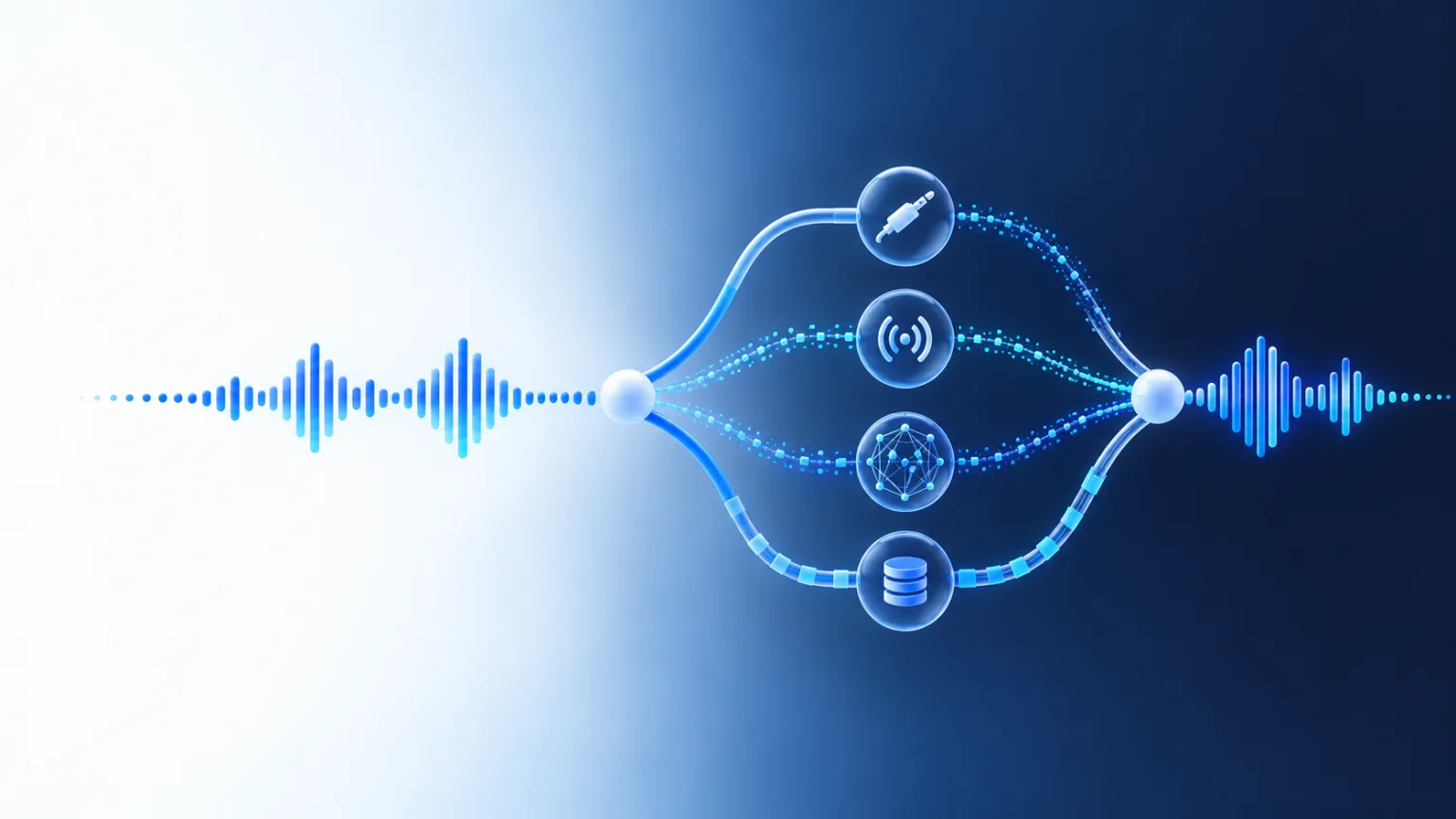
An audio interface for healthcare workers is the connection between clinical speech capture and the system that records, transcribes, or routes it. It may be a simple USB Audio connection, a dedicated wireless receiver, a companion phone, a dock, or an embedded network path.
The best interface is not the one with the highest data rate. It is the one that fits the clinical workflow, works with the target application, preserves usable audio, recovers from interruptions, gives users clear recording status, and keeps data boundaries understandable.
This guide compares the main interface architectures for dictation, ambient scribing, telehealth, bedside voice tools, and mobile clinical documentation.
What Is a Clinical Audio Interface?
A clinical audio interface transfers microphone audio and device commands to a phone, computer, local processor, or network service. It can also return playback audio, configuration, time, user identity, recording state, firmware updates, and diagnostic information.
Microphone → audio processing → interface → host application → speech recognition or AI scribe → reviewed clinical record
The interface does not determine clinical accuracy by itself. Recent research comparing several recording-device types found that both ASR engine and device affected results, with engine choice creating larger variation in that study while device-related differences remained statistically significant. This supports end-to-end validation instead of assuming that either hardware or software alone controls the outcome. See the clinical speech-recognition hardware study.
Start With the Clinical Workflow
| Workflow | Interface priority |
|---|---|
| Desktop dictation | Stable host recognition, push-to-talk controls, low setup burden |
| Ambient exam-room scribe | Multi-speaker coverage, clear consent/recording state, long sessions |
| Home visits | Mobility, battery life, offline recovery, phone or cellular handoff |
| Bedside assistant | Managed network, local processing options, playback and authentication |
| Telehealth | Two-way audio, echo control, conferencing and application routing |
| Procedure or sterile workflow | Hands-free control, cleanability and minimal interaction |
Write down who starts and stops capture, which host is present, whether the clinician moves between rooms, what happens when the host locks, and whether audio must continue during a network outage. Those answers narrow the architecture quickly.
USB Audio for Clinical Workstations
USB can present a device as a standard microphone or two-way audio endpoint to a computer. It is often the simplest route for fixed workstations because one cable can carry power, audio, control and firmware-update traffic.
- Strengths: stable connection, predictable power, high audio throughput, no wireless pairing, potential class-compliant operation.
- Constraints: cable management, port availability, operating-system behavior, device selection conflicts, docking policies and limited mobility.
- Validate: target Windows/macOS builds, virtual-desktop environment, sleep/wake, reconnect, application permissions, exclusive access and button controls.
Class compliance does not guarantee that every clinical application will select the endpoint, interpret buttons, preserve gain settings, or recover after a dock is reconnected. Test the real managed workstation image and speech application.
Dedicated Wireless Receiver
A wearable or handheld microphone can send audio to a dedicated USB-C, Lightning, or USB-A receiver. To the host, the receiver may appear as a wired audio device while the short-range wireless link remains controlled by the product.
- Strengths: mobility with a predictable host interface; simpler onboarding than general-purpose pairing; product-specific latency and control.
- Constraints: receiver inventory, loss, charging, connector variants, coexistence and physical port conflicts.
- Validate: receiver identity, cross-room behavior, reconnection, multiple nearby systems, host switching and safe behavior if the receiver is removed mid-session.
Commercial products illustrate this architecture, but buyers should validate claims in their own environment. For example, Cortexa describes a wireless microphone that streams through a dedicated USB-C/Lightning receiver, while Philips documents a wearable system with workstation profiles and a wireless adapter. These examples show different workflow approaches rather than universal recommendations. See the Cortexa interface description and Philips product specification.
Bluetooth and BLE
Bluetooth can support audio, control, provisioning, or a combination, but “Bluetooth” does not identify one audio architecture. Classic Bluetooth audio, BLE data transfer and Bluetooth LE Audio have different profiles, codecs, host requirements and power characteristics.
- Confirm whether the host receives a standard audio endpoint or a vendor application reconstructs the stream.
- Measure latency, packet-loss recovery and audio behavior in busy 2.4 GHz environments.
- Test managed-device pairing restrictions and user switching.
- Define how the user identifies the active room, workstation or phone.
- Protect commands and audio with appropriate authentication and encryption for the architecture.
Do not assume a generic BLE data link can carry the intended continuous audio format at the desired power and reliability. Prototype the actual codec, connection parameters, mobile operating system and background-app behavior.
Wi-Fi and Direct Network Upload
Wi-Fi can let a room device, bedside endpoint, or dock send audio directly to a local or cloud service without a nearby phone. It can support larger payloads and fleet management, but it adds network onboarding, credentials, firewall, roaming, power and outage behavior.
- Who provisions enterprise credentials?
- Does the product support the organization’s network and certificate model?
- What happens during access-point roaming or captive-portal conditions?
- Can audio buffer locally without creating unmanaged copies?
- How are failed, partial and duplicate uploads handled?
- Which endpoints and ports must the network team allow?
For workflows with uncertain connectivity, review GMIC’s offline voice AI hardware and secure medical dictation hardware guides.
Local Recording and Delayed Transfer
Some devices record locally and transfer files through a dock, cable, phone or network later. This protects capture when the host is unavailable, but it changes the user experience and data lifecycle.
- How does the clinician know a recording is stored but not yet transferred?
- What identifies the patient, session, clinician and time without exposing unnecessary data?
- When is local audio deleted?
- Can an interrupted transfer resume without duplication?
- What happens when storage fills or the battery shuts down?
- Can returned or reassigned devices be verifiably cleared?
Audio Format and Software Contract
The interface specification should identify sample rate, bit depth, channel count, codec, frame size, latency, timestamps, gain behavior, metadata and error handling. It should also define whether the application receives raw audio, processed mono, separate speakers, or several synchronized channels.
Cloud and local ASR services may accept different formats and streaming models. Amazon Transcribe Medical, for example, documents both medical use cases and service input requirements; this type of platform documentation should be checked before firmware and codec choices are frozen. See the Amazon Transcribe Medical documentation.
| Contract area | Define explicitly |
|---|---|
| Session control | Start, pause, stop, consent state, timeout and ownership |
| Audio | Format, channels, processing, gain, latency and continuity |
| Identity | Device, user, room, workstation and account association |
| Transport | Authentication, retry, resume, sequence and duplicate handling |
| Status | Recording, muted, buffering, uploading, error and battery states |
| Lifecycle | Provisioning, updates, logs, reset, reassignment and retirement |
Clinical Interface Validation Checklist
- Test on the managed phone, computer or workstation image used in deployment.
- Confirm application recognition after sleep, logout, dock changes and operating-system updates.
- Measure capture quality and ASR outcome under representative distance, noise and room conditions.
- Interrupt the cable, radio, app, network and power during active sessions.
- Verify recording indicators and mute behavior from the clinician’s position.
- Test several devices and rooms operating nearby.
- Confirm local buffering, upload retry, duplicate prevention and deletion.
- Inspect logs, temporary files and crash reports for unintended audio or identifiers.
- Verify charging, cleaning, receiver storage and shift-change workflow.
- Repeat the test with representative production units, not only a tuned prototype.
Choosing the Interface Architecture
| If the priority is… | Start by evaluating… |
|---|---|
| Fixed workstation simplicity | USB Audio or dedicated wireless receiver |
| Clinician mobility with a phone | Dedicated receiver, BLE/Bluetooth or local recording plus companion app |
| Room-based ambient capture | USB, managed Wi-Fi or an embedded room endpoint |
| Network-independent capture | Encrypted local storage with controlled delayed transfer |
| Two-way bedside assistant | USB or network audio with playback reference and echo control |
| Multi-room fleet operation | Managed identity, docking or Wi-Fi plus clear room/workstation association |
The final selection may be hybrid: BLE for provisioning and control, local storage for continuity, Wi-Fi for upload, and USB for service or workstation operation. Hybrid systems increase resilience but also create more firmware states to test. GMIC’s healthcare AI scribe hardware page connects these interface decisions to the complete product architecture.
Frequently Asked Questions
Is USB better than Bluetooth for medical dictation?
USB is often simpler for a fixed workstation and can provide stable power and audio. Bluetooth or a dedicated wireless link improves mobility. The better option depends on the host, managed-device policy, room movement, latency, battery and recovery requirements.
Does a clinical audio interface need local storage?
Not always. Local storage is useful when capture must survive host or network interruptions, but it adds retention, encryption, capacity, synchronization and deletion requirements.
Can a wearable microphone connect directly to an AI scribe?
Yes, if the scribe platform supports the device’s host interface, audio format, control model and authentication. Some devices appear as standard audio inputs; others require a companion application, receiver or SDK.
What should happen if connectivity fails during a consultation?
The product should follow a documented behavior: notify the user, preserve audio in an authorized encrypted buffer if required, resume safely, prevent duplicate sessions, and confirm when the handoff is complete.
Should the interface send raw or processed audio?
The production application may use processed mono audio, while development and diagnostics benefit from raw synchronized channels. The decision depends on bandwidth, privacy, model requirements, processor ownership and the ability to troubleshoot.
Design the Handoff, Not Only the Microphone
A clinical voice device succeeds when audio, controls, identity and status reach the right application reliably in the real workflow. Define the host, interface contract, interruption behavior and data lifecycle before freezing the hardware.
GMIC supports custom healthcare voice hardware across microphones, audio processing, USB and wireless interfaces, firmware, SDK integration, validation and manufacturing preparation. Contact GMIC to map an audio-interface architecture for a clinical dictation or AI scribe workflow.