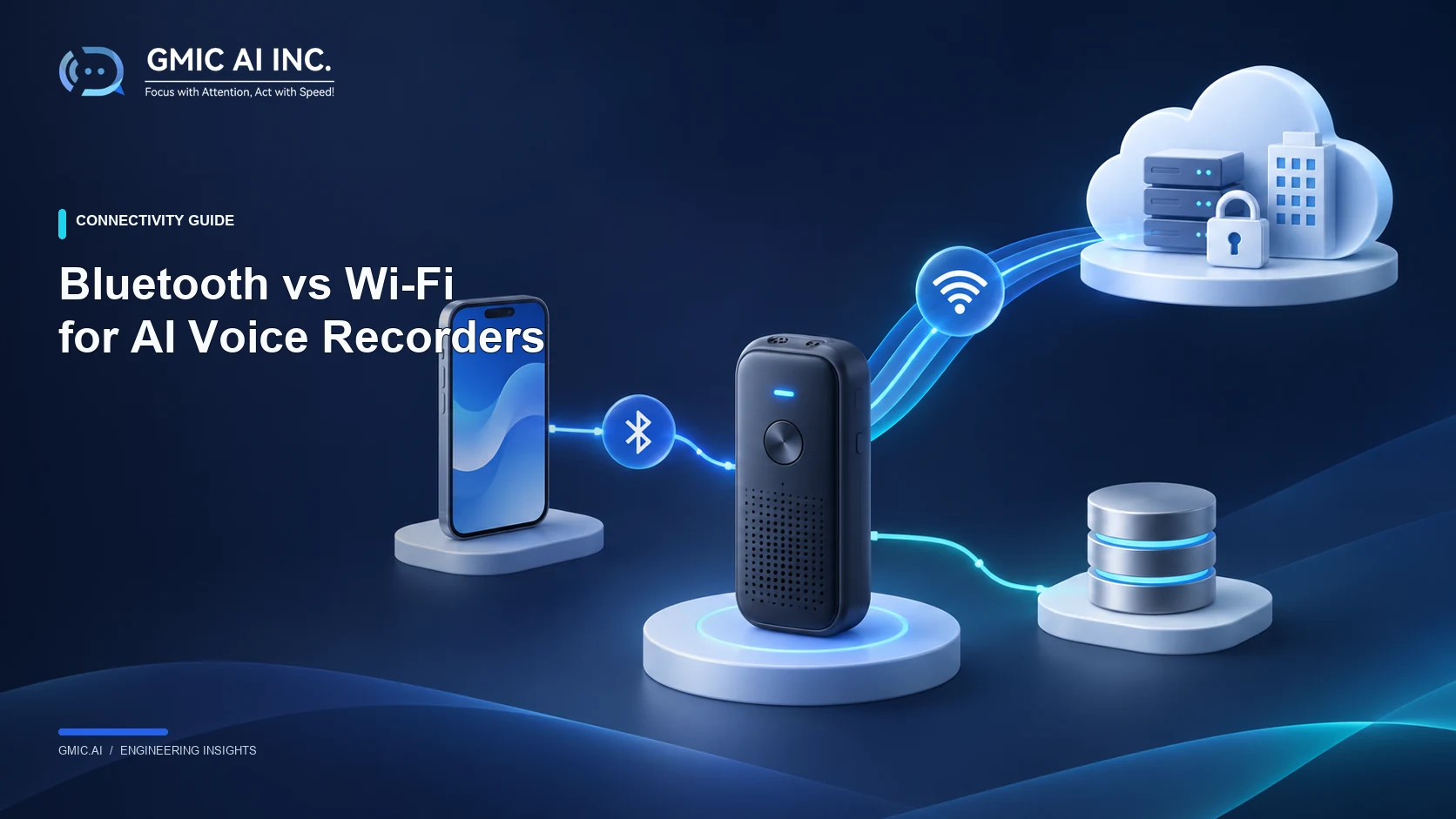
Bluetooth and Wi-Fi solve different problems inside an AI voice recorder. Bluetooth Low Energy is commonly used for discovery, pairing, status, commands, and phone-assisted workflows. Wi-Fi is better suited to moving larger recording files or connecting a device directly to cloud or enterprise infrastructure. Local storage keeps capture reliable when neither connection is available.
The strongest product architecture is therefore rarely “Bluetooth or Wi-Fi.” It is a controlled handoff between local recording, Bluetooth control, Wi-Fi transfer, USB service access, and a mobile or cloud application. This guide helps product teams choose that architecture without confusing a radio specification with a complete user experience.
The short answer
| Need | Best starting point | Why |
|---|---|---|
| Discover, pair, authenticate, or control a nearby recorder | Bluetooth Low Energy | Direct phone-to-device relationship with low-duty-cycle communication |
| Show battery, storage, recording state, or errors | Bluetooth Low Energy | Small status messages do not need a high-throughput link |
| Transfer long or numerous recordings quickly | Wi-Fi or USB | Large files need a higher-throughput path and robust retry logic |
| Upload without a nearby phone | Wi-Fi | The recorder can connect to approved infrastructure directly |
| Keep recording when all links fail | Local storage | Capture must not depend on radio or app availability |
| Provision enterprise devices securely | BLE, NFC, QR, USB, or managed app flow | Credential enrollment is a separate problem from routine data transfer |
For many products, the practical answer is a hybrid: local-first recording, BLE for control and orchestration, Wi-Fi for bulk transfer or direct upload, and USB-C for charging, recovery, service, or managed export.
Start with the data journey, not the radio
A voice recorder creates several kinds of data, and they do not all need the same connection:
- Control data: start, stop, pause, bookmark, mode, gain, mute, and factory reset.
- Status data: battery, storage, firmware version, recording state, errors, and transfer progress.
- Audio data: live or stored recordings, which may be much larger than control messages.
- Derived data: transcripts, summaries, tasks, speaker labels, and workflow records.
- Security data: device identity, authentication tokens, certificates, keys, and update signatures.
- Operational data: diagnostics, crash information, update state, and permitted telemetry.
Map where each object is created, stored, transferred, processed, retained, and deleted. A phone may control recording over BLE while the recorder writes audio locally. The app may later request a Wi-Fi transfer, upload the file to an approved cloud endpoint, receive a transcript, and return only a summary to the device. Treating all of this as “Bluetooth synchronization” hides the important system decisions.
What Bluetooth Low Energy does well
Bluetooth Low Energy is well suited to a nearby companion-device relationship. The phone can discover the recorder, establish identity, exchange small commands, subscribe to state changes, and coordinate the next action. It is a natural control plane for products that expect a mobile app to remain part of the experience.
- Initial discovery and guided pairing.
- Device claiming and account association.
- Remote recording controls and mode selection.
- Battery, storage, and connection status.
- Transfer manifests and file selection.
- Wi-Fi credential handoff or network provisioning.
- Firmware version checks and update orchestration.
- Low-volume diagnostics and configuration.
Bluetooth performance is not one fixed number. The Bluetooth SIG explains that range depends on factors including radio spectrum, transmit power, antenna gain, receiver sensitivity, and the physical environment. Product teams should therefore validate the finished enclosure, antenna placement, body-worn position, phone diversity, and real interference conditions rather than quoting a chipset’s theoretical range. See the official Bluetooth range guidance.
Where BLE-only recorder designs become difficult
A BLE-only design can work when recordings are short, transfers are infrequent, and the app can remain actively involved. It becomes harder when users create long sessions, expect rapid synchronization, close the app, move away during transfer, or accumulate a backlog of files.
- Bulk transfer time: a technically possible transfer may still be too slow for the user’s patience or battery budget.
- Background behavior: mobile operating systems constrain what apps can do while suspended or terminated.
- Interrupted sessions: the protocol must resume safely without duplicating, truncating, or losing files.
- Phone dependence: cloud processing may stop until the recorder and app reconnect.
- Support complexity: pairing state, permission changes, operating-system updates, and device-specific behavior create field cases.
Apple documents that Core Bluetooth background execution must be declared and still behaves differently from foreground operation; the system can suspend or terminate an app, and state restoration has defined conditions. Android also requires Bluetooth permissions that vary by platform version and operation. Review the current Apple Core Bluetooth documentation and Android Bluetooth permissions guidance during architecture and app planning.
What Wi-Fi adds to an AI recorder
Wi-Fi adds an IP data path. That can support faster local transfer to a phone or computer, direct upload to cloud infrastructure, connection to a private server, and operation without keeping a phone beside the recorder. It is especially useful when file size, transfer backlog, or enterprise workflow makes BLE an inefficient data path.
Local high-speed transfer
The app and recorder can coordinate over BLE, then establish a Wi-Fi path for selected files. This keeps discovery and control simple while reserving the higher-power connection for moments when it adds value. The user experience must explain any network transition and recover when it fails.
Direct-to-cloud upload
A recorder can upload to a designated service when it reaches an approved network. That reduces phone dependence but moves more responsibility into firmware: network onboarding, certificate validation, time synchronization, endpoint configuration, queues, retry, bandwidth policy, authentication renewal, error feedback, and secure updates.
Enterprise and private infrastructure
Enterprise deployments may require a customer-controlled endpoint, private cloud, site network, device certificate, or managed configuration. “Has Wi-Fi” is not enough. Buyers need to know how networks are provisioned, which authentication modes are supported, whether credentials can be rotated, what destinations are allowed, how logs are handled, and how a lost or reassigned device is revoked.
Why local storage is the reliability layer
Connectivity should enhance capture, not decide whether capture succeeds. A local-first recorder writes an integrity-protected file or segments to onboard storage, maintains a manifest, and marks the data as pending until transfer is verified. If the phone disconnects or Wi-Fi disappears, the device continues recording within its storage and power limits.
Define what happens when storage is nearly full, a session exceeds a file-size boundary, power fails during a write, the clock is wrong, an upload completes but acknowledgment is lost, or the user requests deletion during transfer. These are not edge cases after launch; they belong in the file-state model before firmware implementation.
A robust hybrid state machine
| State | Device behavior | User-visible requirement |
|---|---|---|
| Recording locally | Write safely without relying on the app or network | Unmistakable recording and storage state |
| Discovered | Advertise a controlled identity and supported capabilities | Clear device selection |
| Authenticated | Bind the authorized app, user, or enterprise identity | Confirmation and recovery path |
| Manifest synchronized | Exchange file IDs, sizes, checksums, and transfer state | Accurate pending-item count |
| Transfer active | Use BLE, Wi-Fi, or USB according to policy | Progress, cancel, retry, and background expectations |
| Upload pending | Queue locally or in the app until an approved endpoint is reachable | Offline status without false success |
| Verified | Confirm integrity and server or app acknowledgment | Safe-to-delete or retained status |
| Failed | Keep recoverable data and a bounded retry record | Actionable error rather than a generic failure |
Use immutable file identifiers and explicit acknowledgments. Do not infer success merely because a connection closed normally. Resume from verified boundaries, protect against duplicate uploads, and test app termination, phone reboot, recorder reboot, network switching, low battery, storage pressure, and server timeouts.
Security decisions for both radios
Radio encryption is only one layer. The product still needs device identity, authenticated commands, authorization, protected credentials, secure boot, signed firmware, controlled debug access, encrypted sensitive storage where appropriate, and a defined vulnerability-response process.
- Do not treat successful pairing as permanent authorization for every operation.
- Separate device claiming, routine reconnect, ownership transfer, and factory reset.
- Authenticate upload endpoints and validate server identity.
- Minimize secrets stored in the app and recorder; plan rotation and revocation.
- Protect update packages and prevent unauthorized downgrade.
- Make recording, transfer, upload, and deletion states understandable to users.
- Log enough to diagnose failures without collecting unnecessary voice content or identifiers.
For the wider software lifecycle, use the NIST Secure Software Development Framework to assign responsibilities for development, release protection, vulnerability handling, and updates. For data-boundary planning, see GMIC’s privacy-by-design checklist for on-device AI hardware.
Choosing among four common architectures
1. BLE-controlled, phone-uploaded
Best when the phone is always part of the product, sessions are manageable, and the app owns cloud authentication. The recorder can remain simpler, but the mobile application becomes mission-critical.
2. BLE control plus Wi-Fi file transfer
Best when the app should orchestrate the workflow but users need faster offload. The design must manage switching, credentials, routing, progress, and fallback without confusing the user.
3. Direct Wi-Fi cloud recorder
Best when the device must upload without a phone or operate in a managed site. Firmware and backend responsibilities increase, and network onboarding becomes a core product workflow.
4. Offline recorder with USB export
Best when simplicity, controlled transfer, or disconnected operation matters more than instant AI. AI processing may occur later on a workstation or private environment. This path still needs authentication, file integrity, malware-aware host handling, and a clear deletion policy.
How MIC06 supports a hybrid architecture
GMIC’s MIC06 secure AI voice platform combines Wi-Fi, Bluetooth 5.3, 1GB NAND storage, NFC, firmware encryption, slide-touch controls, a gyroscope, and multi-sensory status feedback. Those capabilities allow product teams to configure several paths: device to companion app, device to designated cloud infrastructure, or integration with enterprise and private environments.
The correct configuration depends on the customer workflow. NFC can support intentional authentication or authorization flows; BLE can handle nearby control and state; Wi-Fi can support transfer or direct infrastructure access; storage can protect continuity. None of those features alone proves a deployment. Firmware behavior, app integration, endpoints, credentials, test coverage, privacy controls, and operational ownership must be defined for the actual product.
Requirements to give an ODM or firmware team
- Target users, environments, phones, operating-system versions, and enterprise constraints.
- Maximum session patterns and expected offline backlog—not only a nominal file size.
- Which actions must work without a phone, account, internet, or Wi-Fi credential.
- The control protocol, file manifest, retry, resume, integrity, duplicate, and deletion rules.
- BLE services, characteristics, permissions, reconnect behavior, and state restoration expectations.
- Wi-Fi onboarding, supported network modes, endpoint policy, certificates, and credential lifecycle.
- Power budgets for recording, advertising, connected BLE, Wi-Fi transfer, idle, and updates.
- User feedback for recording, offline, transfer, error, storage-full, and low-battery states.
- OTA ownership, signing, rollback, recovery, diagnostics, and support commitments.
- EVT, DVT, and PVT tests across phones, networks, RF conditions, enclosures, and production units.
GMIC’s BLE AI voice recorder ODM guide explains SDK and white-label integration options. For phase-gate planning, use the EVT, DVT, and PVT checklist.
Validation checklist before launch
- Record successfully with the phone absent, locked, offline, rebooting, or out of range.
- Pair, reconnect, unbind, reassign, and factory-reset across representative iOS and Android devices.
- Interrupt every transfer by closing the app, disabling radios, changing networks, and rebooting both sides.
- Verify integrity after resume and confirm that retries do not create duplicate workflow records.
- Measure battery and thermal behavior using realistic recording and transfer schedules.
- Test antenna performance in the final enclosure, worn positions, hands, bags, and charging states.
- Exercise full storage, nearly full storage, corrupted metadata, clock changes, and low-power shutdown.
- Verify certificate expiry, revoked credentials, unauthorized commands, invalid firmware, and recovery.
- Confirm user-visible recording and upload states in every supported mode.
- Run production programming, RF checks, calibration, and end-of-line tests on representative builds.
Frequently asked questions
Is Bluetooth enough for an AI voice recorder?
It can be enough for control, status, and some file-transfer workflows. Validate actual recording size, acceptable wait time, phone background behavior, battery use, and interrupted transfers before choosing a BLE-only architecture.
Why include both Bluetooth and Wi-Fi?
Bluetooth can maintain a convenient nearby relationship with the phone, while Wi-Fi handles larger files or direct infrastructure access. A hybrid design uses each link only where it improves the workflow.
Should an AI recorder upload directly to the cloud?
Direct upload reduces phone dependence but increases firmware, network, security, credential, backend, and support responsibilities. It is most useful when the workflow requires autonomous or managed operation.
Does offline recording mean the product is private?
No. Privacy depends on the entire lifecycle: consent, local protection, transfer, app access, cloud processing, telemetry, retention, deletion, supplier access, and user control. Offline capture changes one part of that system.
What should an AI voice recorder SDK include?
At minimum, evaluate discovery, authentication, recording control, status, file listing, transfer, retry, deletion, configuration, diagnostics, firmware update, sample applications, protocol documentation, versioning, and support for the target mobile platforms.
Last reviewed: November 2026. Product behavior depends on the selected hardware, firmware, mobile operating systems, network environment, and deployment configuration. Validate requirements against the actual design.