How to Choose a Microphone for an AI Scribe
The best microphone for an AI scribe depends on speaker distance, whether the device captures one person or a conversation, background noise, placement, and whether the workflow uses live streaming or local recording.

GMIC helps AI scribe companies select, tune, and manufacture the right microphone architecture for their clinical recording environment — from acoustic design through mass production.
US + Shenzhen Audio Engineering DSP Tuning Firmware SDK/API Manufacturing
What Does a Microphone for an AI Scribe Need to Capture?
The microphone sits at the front of a longer pipeline. It produces the input signal; everything that turns that signal into a clinical note happens further downstream, in software.
-
Doctor / patient speech
One or more speakers at varying distance and volume, in a room with its own noise profile.
-
Microphone
A single element or an array, positioned on the body, on a desk, or in the room.
-
Audio front end
Preamplification, analog-to-digital conversion, sample rate, and bit depth.
-
DSP
Noise suppression, beamforming, gain control, voice activity detection, echo cancellation.
-
Stream or recording
Sent live, or written to local storage for upload afterward.
- Transport
- Wi-Fi
- BLE
- USB
- Companion app
-
Customer cloud
Or a private server — the upload endpoint the device authenticates to.
-
Speech-to-text
Transcription of the captured audio, with or without speaker separation.
-
AI scribe / NLP
The customer's models turn conversation into structured clinical content.
-
Structured documentation
Transcript, summary, or note the clinician reviews and signs.
-
EHR / clinical workflow
Delivered into the record system by the platform.
The microphone and the audio hardware around it create the input signal. The microphone does not create the clinical note. Speech recognition, summarization, and note generation are downstream software functions, and they can only work with what the front end delivered.
Five Factors That Determine the Best Microphone for an AI Scribe
There is no universally best microphone for an AI scribe. The correct architecture follows from the project — and microphones are one part of the broader medical dictation devices category, not a decision made in isolation.
Speaker distance
Near-field and close-talk capture at 5–30 cm is a different problem from body-worn capture at 30–50 cm, tabletop at around 1 m, or room capture at 2–3 m. Each step away lowers the level of the voice relative to the room and raises what the processing has to recover.
Number of speakers
Doctor-only dictation, a doctor and patient, or a group with family members present are three different architectures. Single-speaker capture can favor one direction; multi-speaker capture usually cannot.
Recording environment
A quiet consultation room, a busy clinic, a hospital bedside, a dental operatory, a patient's home, and a telehealth desk each carry a different noise profile and different reflective surfaces.
Form factor
Wearable, badge, lapel, desktop, tabletop, room device, or smartphone. Form factor fixes the microphone's position relative to the speaker, which is often the single largest influence on captured audio.
Workflow
Push-to-record, continuous ambient capture, real-time streaming, offline recording, or batch upload. This determines power budget, storage, and how the device behaves when the network is unavailable.
Single Microphone vs Microphone Array
The number of microphone elements determines what spatial processing is possible at all. It does not, on its own, determine audio quality.
| Architecture | Strengths | Limitations | Typical use case | Engineering considerations |
|---|---|---|---|---|
| Single microphone | Simple, low power, small footprint | No spatial information to work with | Close-talk wearable, handheld dictation | Placement is critical; there is no way to steer |
| Dual microphone | Enables basic spatial processing and a noise reference | Moderate added complexity and power | Wearable with basic noise cancellation | Orientation on the body affects results |
| Multi-microphone array | Beamforming and spatial selectivity across a room | Power draw, physical size, DSP complexity | Room capture, multi-speaker conversation | Requires tuning against each target environment |
Scroll the table horizontally to compare →
More microphones does not automatically mean better audio. Placement, acoustic design, DSP, enclosure design, and tuning all matter. A well-positioned single microphone often outperforms a poorly tuned array, and an array in the wrong enclosure can perform worse than the element it replaced.
Wearable vs Desktop vs Room Microphones
Where the microphone sits decides how far it is from each speaker, how stable that distance is, and what else it hears. Every option below has legitimate clinical use cases.
| Type | Placement | Best for | Advantages | Limitations | Mobility | AI scribe fit |
|---|---|---|---|---|---|---|
| Wearable microphone | Worn on the body | Outpatient clinics, rounds | Predictable position, hands-free | Capturing the patient is a separate problem | High | Strong for close-talk |
| Lapel microphone | Chest | Consultations in clinics | Consistent distance to the wearer | Clothing noise; orientation shifts | High | Good |
| Badge device | Chest or pocket | Hospital staff on shift | All-day battery, built-in storage | Multi-speaker capture is challenging | High | Strong with SDK integration |
| Desktop microphone | On the desk | Telehealth, office encounters | Can be positioned between both speakers | Not portable | Low | Good for stationary use |
| Tabletop array | Center of a table | Multi-speaker encounters | Captures the whole table | Less portable; needs DSP tuning | Low | Good with tuning |
| Smartphone | In hand or on the desk | Early pilots | Already available, no purchase | Inconsistent across models; screen handling distracts | Medium | Adequate for prototyping |
| Room microphone | Wall or ceiling | Operating rooms, group therapy | Full room coverage without a worn device | Complex DSP and higher cost per room | None | Requires significant tuning |
Scroll the table horizontally to compare →
Not sure which form factor fits your recording environment? GMIC can walk through the trade-offs against your clinical setting and integration method.Talk to the hardware team

How Do You Capture Both Doctor and Patient Audio?
Ambient documentation means capturing at least two people who are not speaking at the same volume, from the same direction, or at the same distance. This is the hardest acoustic case in clinical capture.
Microphone location
A device worn by the clinician is close to one speaker and far from the other. A device placed between them treats both more equally but loses the predictable positioning a worn device gives.
Distance and level difference
A patient two meters away arrives many decibels quieter than a clinician at thirty centimeters. Gain that suits one can clip or bury the other.
Orientation
Directional elements depend on facing the speaker. Clinicians turn toward screens, equipment, and doors, so orientation is not fixed during an encounter.
Room reflections
Hard floors, glass, and cabinetry return delayed copies of speech that smear consonants — the detail speech recognition relies on most.
Overlapping speech
People interrupt each other in real consultations. Overlap is a known hard case, and hardware can only preserve it cleanly enough for software to attempt separation.
Background noise
The quieter speaker competes with the room. Noise handling has to protect that voice without stripping the parts of it that carry meaning.
Capture is not identification. Microphone hardware determines whether both voices arrive intelligibly. Deciding which voice belongs to whom — speaker diarization and identification — is a downstream software function. Good array design can make that job easier by preserving spatial cues, but the hardware does not label speakers on its own.
How Background Noise Affects AI Scribe Microphones
Clinical spaces are not quiet. The noise that matters is rarely a steady hum — it is intermittent, broadband, and often close to the microphone.
What is actually in the room
- HVAC and ventilation, continuous and broadband
- Keyboard and mouse noise at the workstation
- Clinical equipment, alarms, suction, handpieces
- Hallway traffic, carts, doors, conversation
- Movement of the clinician and the device itself
- Clothing and contact noise on worn devices
- Reverberation from hard, cleanable surfaces
Why the test environment matters
Two noise sources deserve particular attention on wearable devices. Contact noise — fabric brushing the housing, a lanyard swinging, a badge tapping a button — arrives directly through the enclosure rather than through the air, so it can be far louder at the element than anything in the room.
Reverberation is the other. A room that measures acceptably on a noise meter can still smear speech badly if it is small and hard-surfaced, which is common in examination rooms.
Audio hardware should be evaluated in the actual target environment rather than only in a quiet engineering room. A device that performs well on a bench can behave very differently on a moving clinician in a working clinic.

DSP for AI Scribe Audio
Digital signal processing shapes what the microphone produces before it ever leaves the device. Each stage solves a specific problem, and each can cause a new one if it is tuned too aggressively — which is why these are tuned together as audio and DSP tuning rather than enabled independently.
Noise suppression
Attenuates unwanted background sound so speech sits above it. Pushed too hard, it removes the low-energy consonants that distinguish similar words, which is worse for recognition than the noise was.
Beamforming
Only relevant with an array. Uses the spacing between elements to favor sound from one direction and reject the rest of the room. Its benefit depends entirely on where the speakers actually are.
Automatic gain control
Manages input-level variation as people move, lean in, or speak more quietly. Keeps a quiet patient usable without clipping a clinician who is close to the microphone.
Voice activity detection
Detects where speech is present. Used to gate recording, save bandwidth and storage, and avoid sending long stretches of empty room audio to the platform.
Acoustic echo cancellation
Relevant when the device plays audio or supports two-way interaction. Removes the device's own output so it does not compete with the speaker's voice.
High-pass filtering and voice enhancement
Removes rumble, handling noise, and HVAC energy below the speech band, and shapes the remaining signal toward intelligibility rather than toward a pleasant listening experience.
DSP can improve the audio signal delivered to downstream speech recognition, but final transcription performance also depends on the ASR system, language, vocabulary, speaker behavior, and environment. Tuning is a trade-off exercise against a specific environment, not a universal setting.
For a public reference on how these stages are commonly implemented, the WebRTC Audio Processing Module documents an open implementation of noise suppression, AGC, and echo cancellation. It is cited here as an industry technical reference only.
Does a Better Microphone Improve AI Scribe Accuracy?
It is the wrong question in one important way: accuracy is a property of the whole chain, not of the microphone. A better microphone raises the ceiling on what is achievable; it does not set the result.
What the hardware controls
Whether speech arrives intelligibly at all. If a voice is buried in noise, clipped, or smeared by reflections before it is digitized, no downstream model recovers the missing information reliably. This is the part a microphone, its placement, and its DSP genuinely determine.
What the hardware does not control
The speech recognition model and its training data, the language and accent being spoken, specialized clinical vocabulary, how fast and how clearly people speak, whether they interrupt each other, and how the platform post-processes the transcript into a note.
On accuracy claims: GMIC does not publish a percentage improvement for microphone changes, because such a figure is only meaningful against a specific model, language, environment, and test set. Any accuracy target for a program should be measured on your own pipeline with your own recordings.
Real-Time Streaming vs Local Recording
This decision shapes the power budget, the storage requirement, and how the device behaves when the network does not cooperate. Most deployments end up combining two of these patterns.
| Workflow | Benefits | Trade-offs | Typical use |
|---|---|---|---|
| Real-time streaming | Transcription available during the encounter | Depends on the network; sustained bandwidth | Fixed rooms with stable Wi-Fi |
| Local recording | Recording continues regardless of coverage | Results are delayed until upload | Clinicians moving between rooms |
| Offline-first with sync | Continuity plus eventual automatic delivery | Storage capacity and retry logic to design | Hospital rounds, home and field care |
| Hybrid | Streams when it can, buffers when it cannot | The most firmware complexity to specify and test | Variable network environments |
Scroll the table horizontally to compare →
Where this becomes engineering work: buffering, retry behavior, storage limits, and what happens to a partial recording when a session drops are all firmware decisions. GMIC handles them as firmware integration, specified with the customer's engineering team rather than assumed.
Connectivity — Wi-Fi vs Bluetooth vs USB
The transport choice is constrained by the power budget on one side and the audio bitrate on the other. Wearables and desk devices usually land in different places for that reason.
| Method | Best for | Bandwidth | Power | Notes |
|---|---|---|---|---|
| Bluetooth / BLE | Wearable bridged to a phone | Low to moderate | Low | Range limited; usually needs a companion app |
| Wi-Fi | Direct upload to cloud or private server | High | Higher | Capable of real-time streaming |
| USB | Secure and wired environments | High | Bus-powered | Simple and reliable, but stationary |
| Companion app | BLE device bridged through a phone | Via the phone's connection | Low on the device | Handles authentication and session management |
| Direct to cloud | Wi-Fi streaming with no intermediate device | High | Higher | No phone in the path to maintain or support |
Scroll the table horizontally to compare →
Agreeing the interface: audio format, chunking, authentication, upload endpoints, and failure behavior all have to be settled between the device firmware and the customer's platform. GMIC coordinates this as AI SDK integration with the customer's engineering team.
Microphone Hardware to AI Scribe Software
The device and the platform are two halves of one system. Designing them against each other, rather than in sequence, avoids most of the integration surprises.
-
Microphone
Single element or array, positioned by the form factor.
-
Audio front end
Preamp, conversion, sample rate, and bit depth.
-
DSP
Noise suppression, beamforming, AGC, VAD, AEC, tuned as one chain.
-
Firmware
Recording triggers, capture state, retry logic, OTA updates.
-
Storage or stream
Buffered locally, or sent continuously over the agreed transport.
- Interface
- Audio format
- Authentication
- Upload endpoint
- Failure behavior
-
SDK / API
The contract between device firmware and the customer's services.
-
Customer cloud
Or a private server, depending on the deployment's privacy architecture.
-
Speech-to-text
Transcription, with speaker separation where the platform supports it.
-
AI scribe
Structured clinical content generated from the conversation.
-
Clinical workflow
Review, signing, and delivery into the record system.
The device should be designed around the customer's existing software architecture rather than treating hardware and software as independent systems. Audio format, authentication, and failure behavior are cheaper to agree at specification time than to retrofit after tooling.
When Is Dedicated AI Scribe Hardware Worth It?
Buying hardware early usually slows a software team down. The switch tends to make sense when specific problems become recurring rather than occasional — the same pattern seen across voice AI hardware programs generally.
Phones and laptops are fine for
- Early model validation and demos
- Small pilots with a handful of clinicians
- Quiet, seated, single-speaker environments
- Teams without a hardware timeline yet
Dedicated hardware earns its cost when
- Microphone placement needs to be predictable
- Clinicians need hands-free operation
- Firmware behavior and OTA updates must be controlled
- Recording must continue without a network
- Devices map to a role or shift, not a personal phone
- Fleets are provisioned and monitored centrally
- Enterprise customers expect branded hardware
- The platform needs SDK/API-level device control
Reached that point? The platform options and trade-offs are covered in the guide to dedicated AI scribe hardware.Book a call
How to Evaluate a Microphone Before Deployment
Evaluate against the environment the device will actually live in, with recordings run through your own pipeline. Pass criteria belong to the project, not to a datasheet — the table below is a structure to fill in, not a specification.
| Test | Environment | What to measure | Pass criteria |
|---|---|---|---|
| Speaker distance at 30 cm, 1 m, 2 m | Quiet room | Speech clarity and signal-to-noise ratio at each distance | [DEFINE WITH PROJECT] |
| Multiple speakers | Consultation room | Whether both voices are captured intelligibly | [DEFINE WITH PROJECT] |
| Background noise | Busy clinic during working hours | Speech level against the room's noise floor | [DEFINE WITH PROJECT] |
| Movement | Walking rounds between rooms | Consistency of capture while the wearer moves | [DEFINE WITH PROJECT] |
| Wearable placement | Worn on the body over a full session | Clothing and contact noise; orientation drift | [DEFINE WITH PROJECT] |
| Offline recording | No Wi-Fi available | Recording continuity and storage behavior | [DEFINE WITH PROJECT] |
| Battery | A full clinical shift | Total recording duration achieved | [DEFINE WITH PROJECT] |
| Network interruption | Unstable or intermittent Wi-Fi | Recovery, retry, and whether audio is lost | [DEFINE WITH PROJECT] |
Scroll the table horizontally to read both columns →
What to Tell a Hardware Partner
Having these answers ready compresses the first technical conversation considerably. Most of them are product decisions rather than engineering ones, so they can be prepared before any hardware exists.
- The use case and the target clinical environment
- Who speaks — doctor only, doctor and patient, or a group
- Number of speakers and approximate distances
- Desired form factor — wearable, desk, or room device
- Streaming, local recording, or both
- Connectivity available where encounters happen
- Battery expectations across a session or a shift
- Your software and cloud architecture
- SDK and API requirements for device control
- Pilot volume and expected production volume
- Deployment geography, which drives certification scope
- Branding and white-label requirements
How GMIC Supports AI Scribe Audio Hardware
Six areas of work, delivered as one program rather than as separate vendors an AI team has to coordinate.
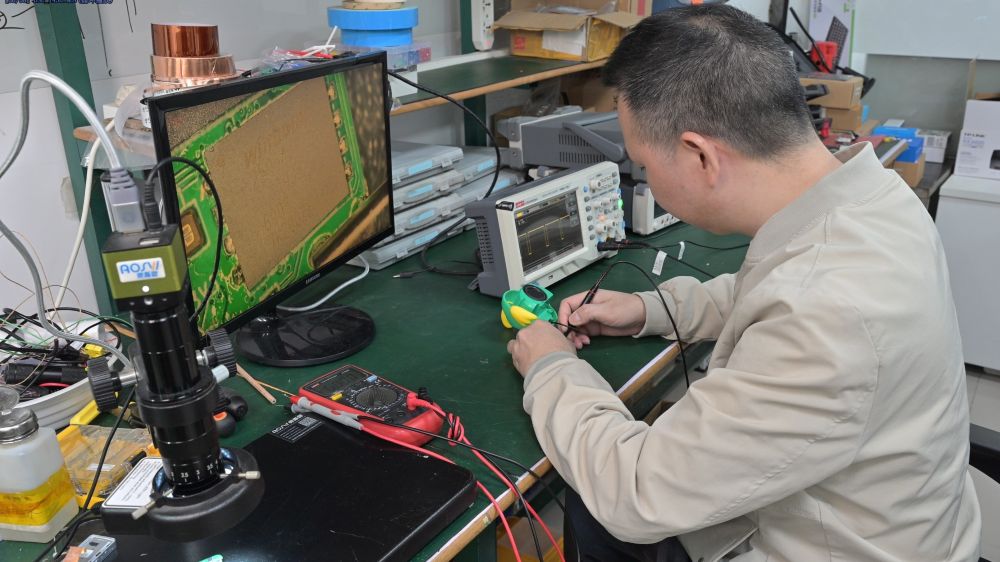
Microphone & acoustic architecture
- Element selection for the target speaking distance
- Single, dual, or array topology with geometry defined
- Port, seal, and enclosure acoustics
- Placement validated on the actual form factor
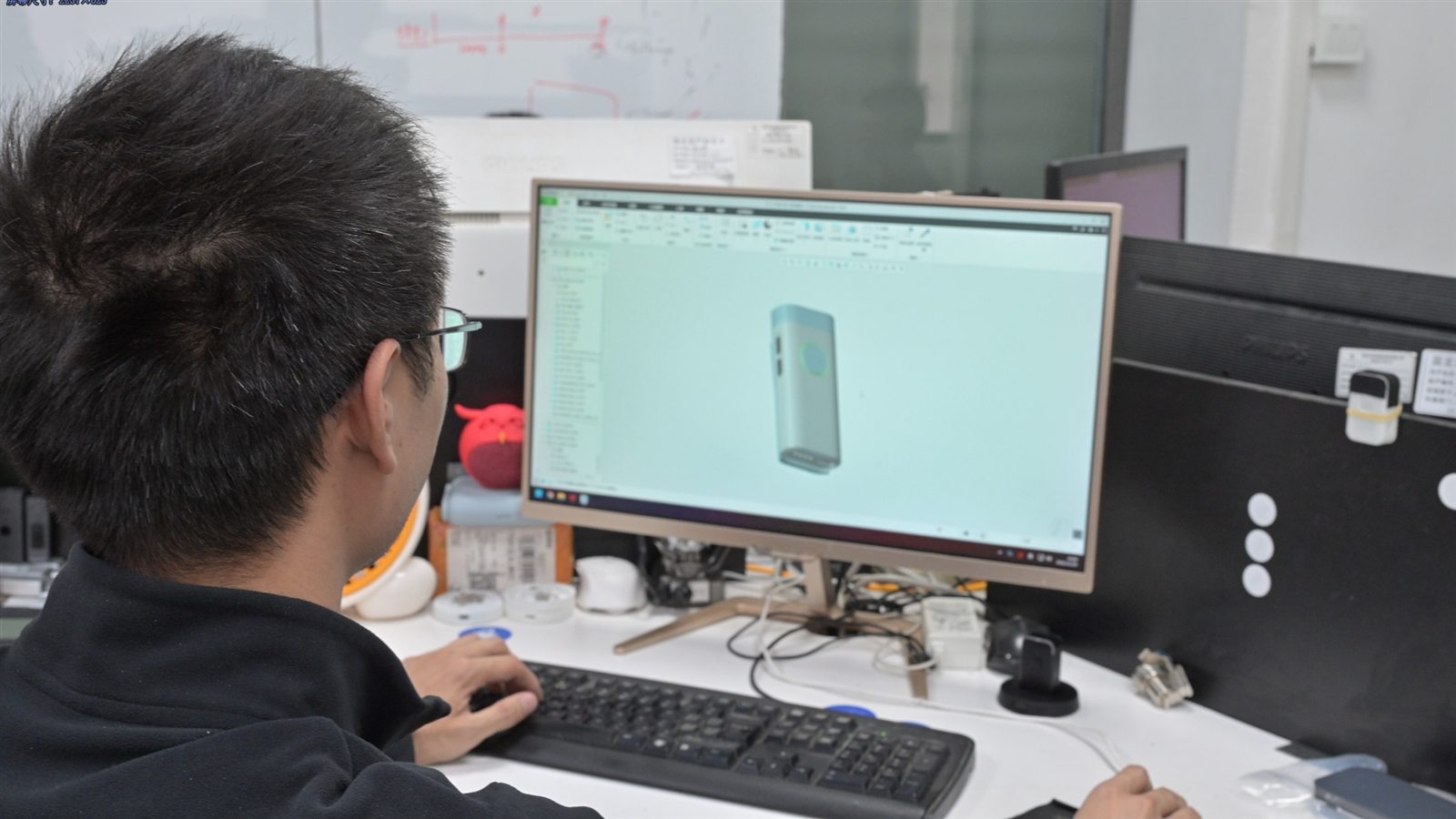
Audio & DSP tuning
- Noise suppression, beamforming, AGC, VAD, and AEC as one chain
- Tuning against the noise profile of the real environment
- Trade-off review between suppression and intelligibility
- Delivered as audio and DSP tuning
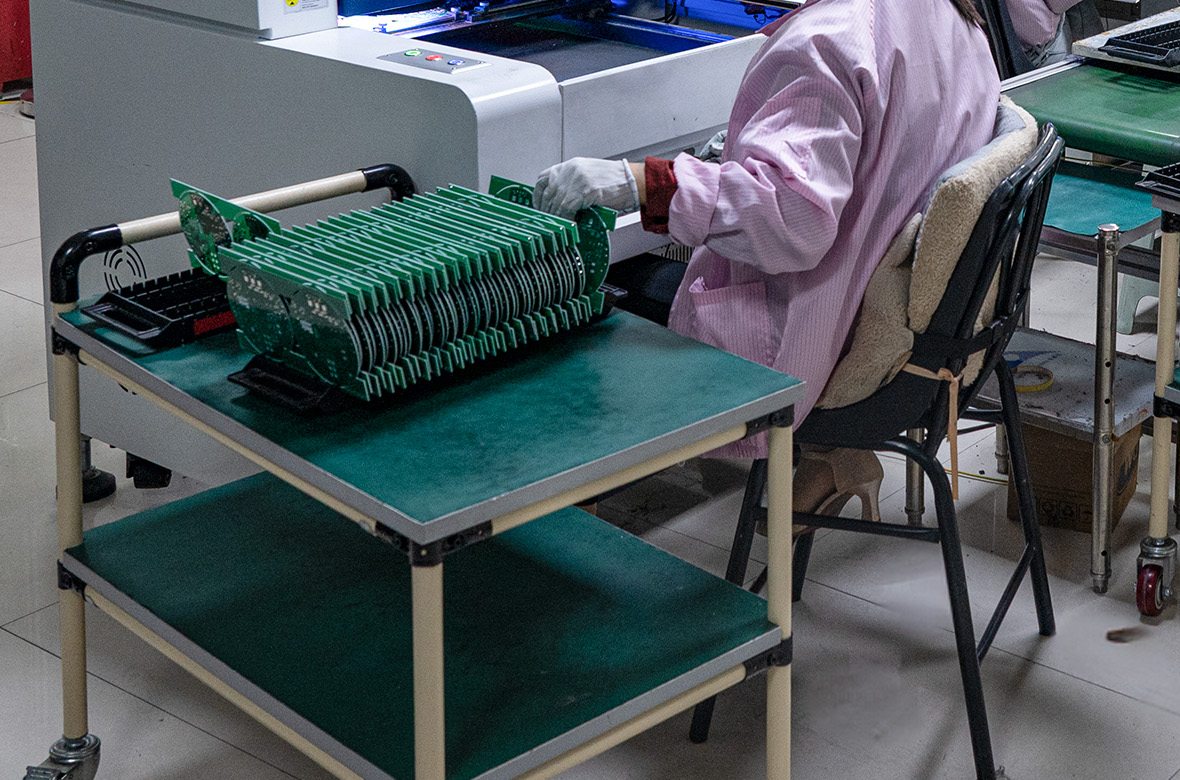
Firmware
- Recording triggers and capture-state behavior
- Offline storage, retry, and backoff logic
- BLE pairing and companion-app communication
- OTA update paths, covered under firmware integration
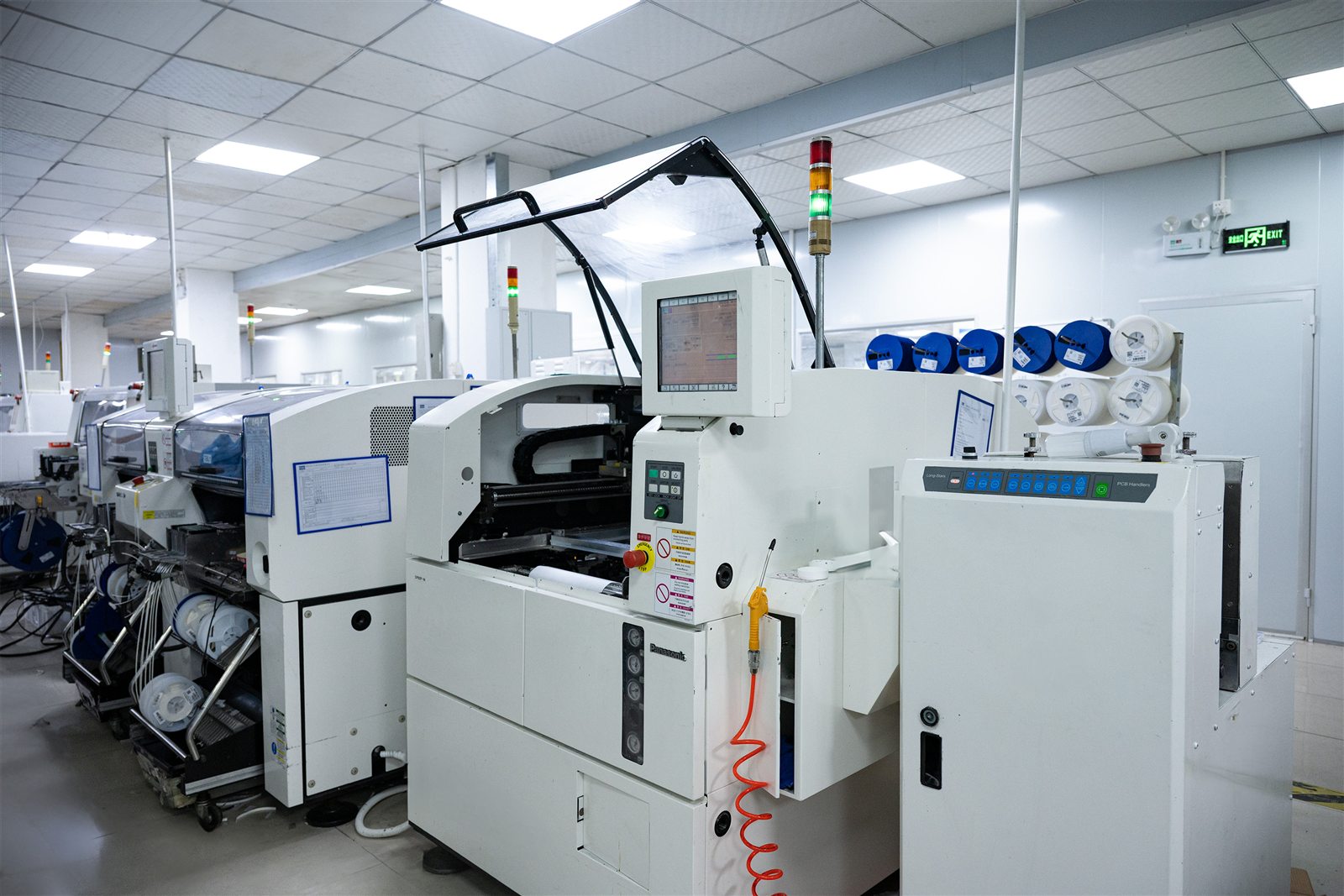
Software integration
- Audio format, chunking, and endpoint agreement
- Device authentication against your server
- Private-server deployment where required
- Coordinated as AI SDK integration
Hardware development & OEM/ODM
- Custom enclosure design and tooling
- Wearable form factors, drawing on AI wearable hardware work
- Branding, logo printing, and packaging
- Delivered as AI hardware ODM/OEM

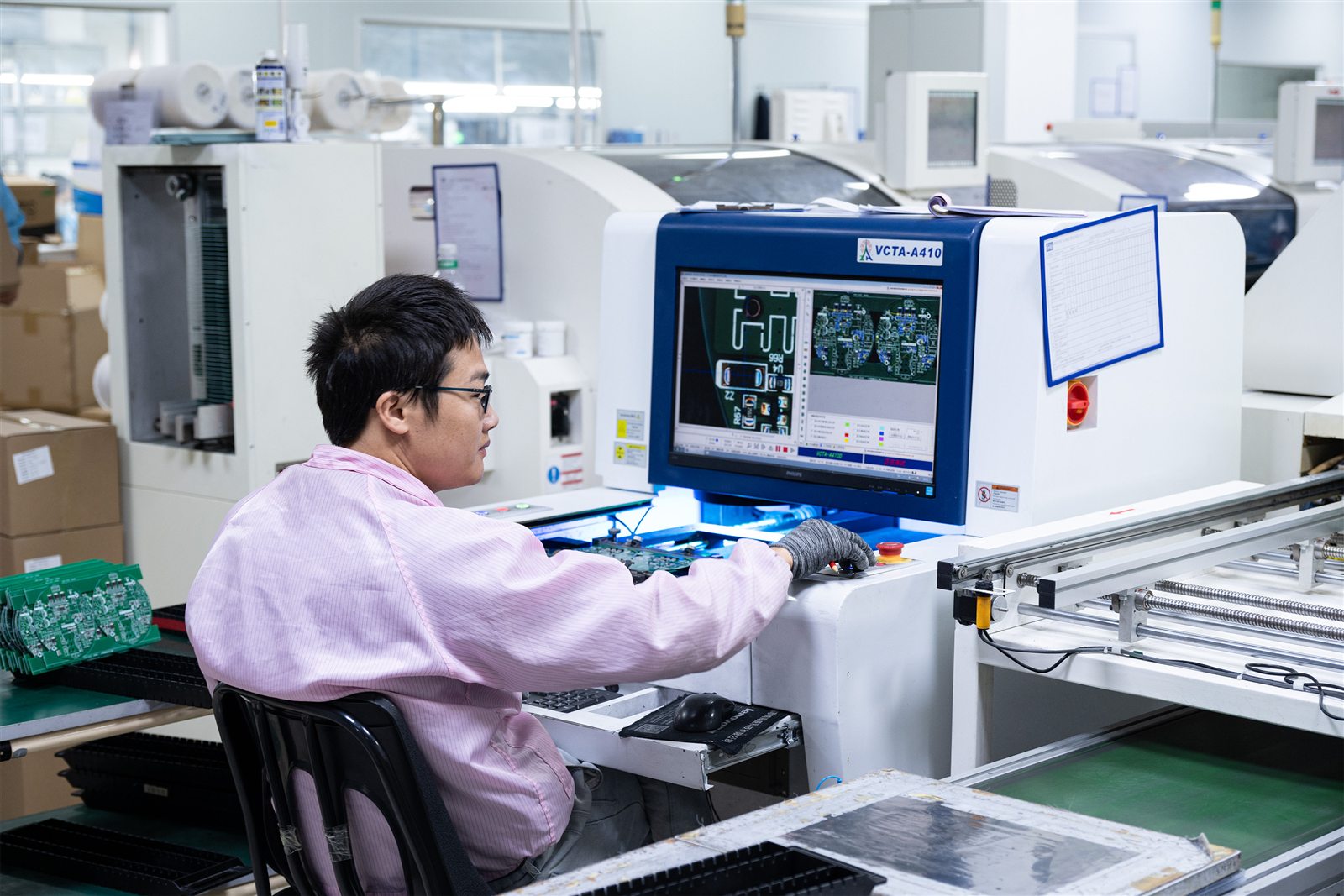
Manufacturing & QC
- SMT production and through-hole assembly
- Final assembly and packaging
- Functional and acoustic testing against a defined test plan
- AOI inspection and process controls
Related Guides
Medical Dictation Devices
The pillar guide to dictation hardware for AI scribe platforms — device categories, integration architecture, and technical requirements.
Read the guideMedical Transcription Equipment
The full equipment landscape for medical transcription, from handheld recorders to room systems and dedicated AI voice hardware.
Compare equipment typesDedicated AI Scribe Hardware
When purpose-built capture hardware becomes worth the investment for a scribe platform.
Dictation Devices for Doctors
Device selection by specialty and clinical setting, from radiology to home visits.
Healthcare AI Hardware
GMIC's broader healthcare hardware work, including AI scribe and clinical voice capture.
Explore healthcare AI hardwareFrequently Asked Questions
There is no universal best microphone. The right choice depends on speaker distance, the number of speakers, the recording environment, the form factor, and whether the workflow streams audio live or records locally.
A wearable close-talk microphone suits mobile clinicians; a multi-microphone array suits room capture of a conversation.
Consumer microphones can work for prototyping and early validation. Dedicated hardware becomes relevant when a company needs consistent capture across a fleet, hands-free operation, DSP tuned for clinical environments, or SDK and API integration with its own platform.
For close-talk, doctor-only dictation, a single microphone is often sufficient. For ambient multi-speaker capture at a distance, an array with DSP may be more appropriate, because a single element carries no spatial information for the processing to work with.
Not automatically. Adding microphones adds spatial capability, but also power draw, size, cost, and DSP complexity. Placement, acoustic design, enclosure design, and tuning matter as much as the number of microphones.
Yes. A wearable microphone provides predictable close-range capture of the person wearing it. Capturing the other speaker in the room clearly is a separate design consideration that depends on distance, orientation, and room acoustics.
It depends on distance and environment. A close-talk wearable favors the wearer's voice. A room-positioned device or array may capture both, but usually needs DSP tuning to do so reliably.
Audio capture is also separate from speaker identification, which is typically a software function performed after the audio reaches the platform.
Poor audio capture can create problems that are difficult to recover downstream. Final accuracy, however, depends on the complete chain: microphone quality, placement, DSP, room acoustics, speaker behavior, the speech recognition model, language, and vocabulary.
It depends on the workflow. Wi-Fi enables direct, high-bandwidth streaming to a cloud or private server. BLE suits low-power wearables that connect through a companion app on a phone. USB works for wired desk setups where the device stays in one place.
Yes, if the hardware supports local storage. Audio can be written to the device and uploaded when connectivity returns. This requires firmware built for offline recording, with retry logic and defined behavior when storage fills or an upload fails.
Yes. GMIC provides ODM and OEM services covering microphone architecture, acoustic design, DSP tuning, firmware development, SDK and API integration, and manufacturing from prototype through mass production.
Evaluate the Right Audio Hardware for Your AI Scribe
If your AI scribe platform already has the software layer but needs more control over real-world audio capture, GMIC can review the recording environment, microphone architecture, DSP, firmware, connectivity, and software integration requirements.